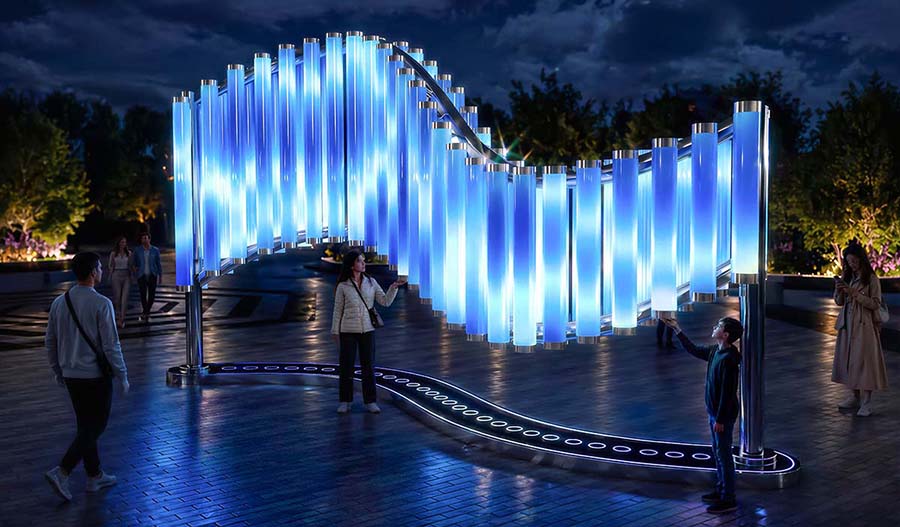
"Kaleidoscope of Emotions" Interactive Light Display Area
ABOUT THE PROJECT
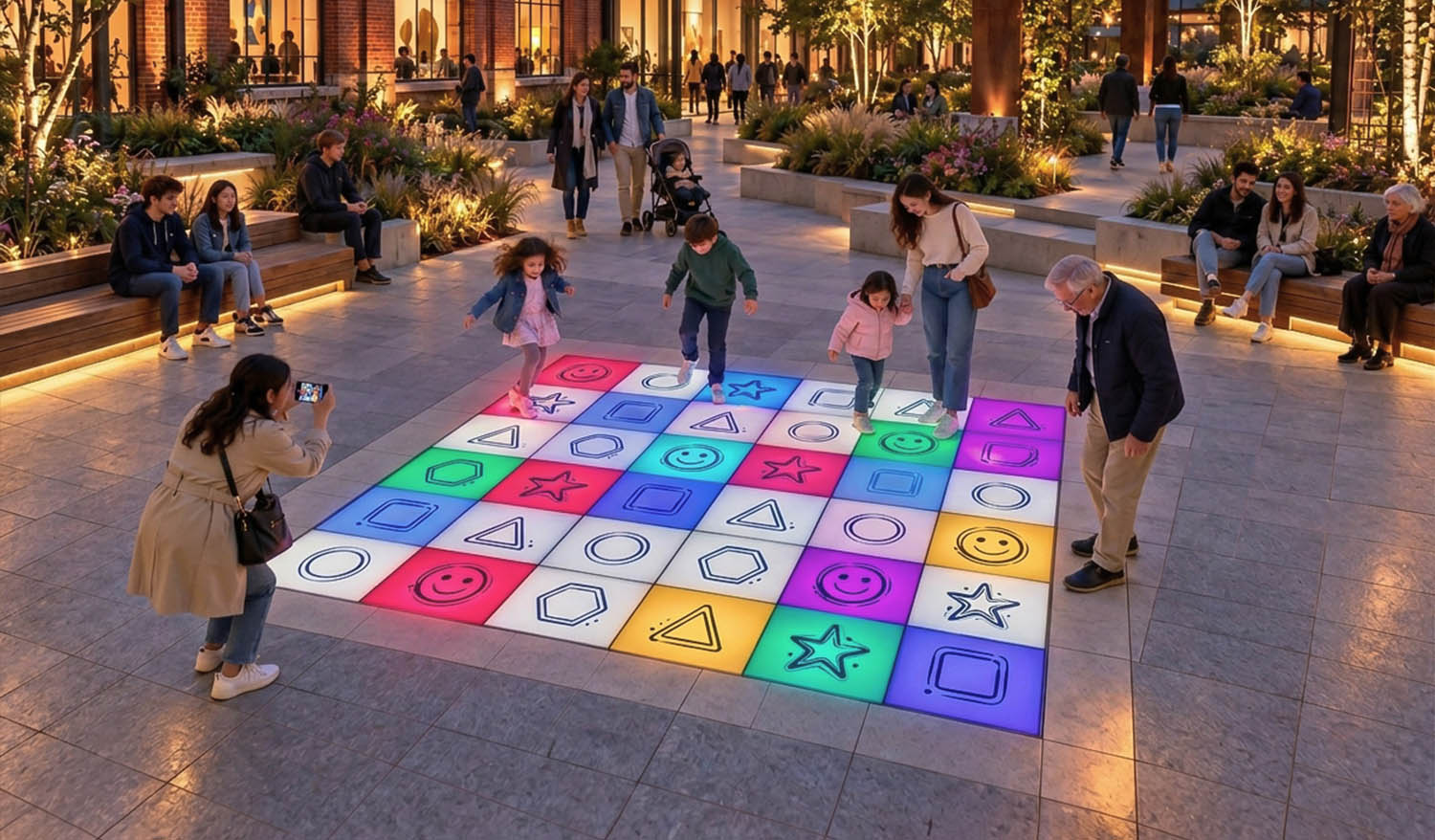
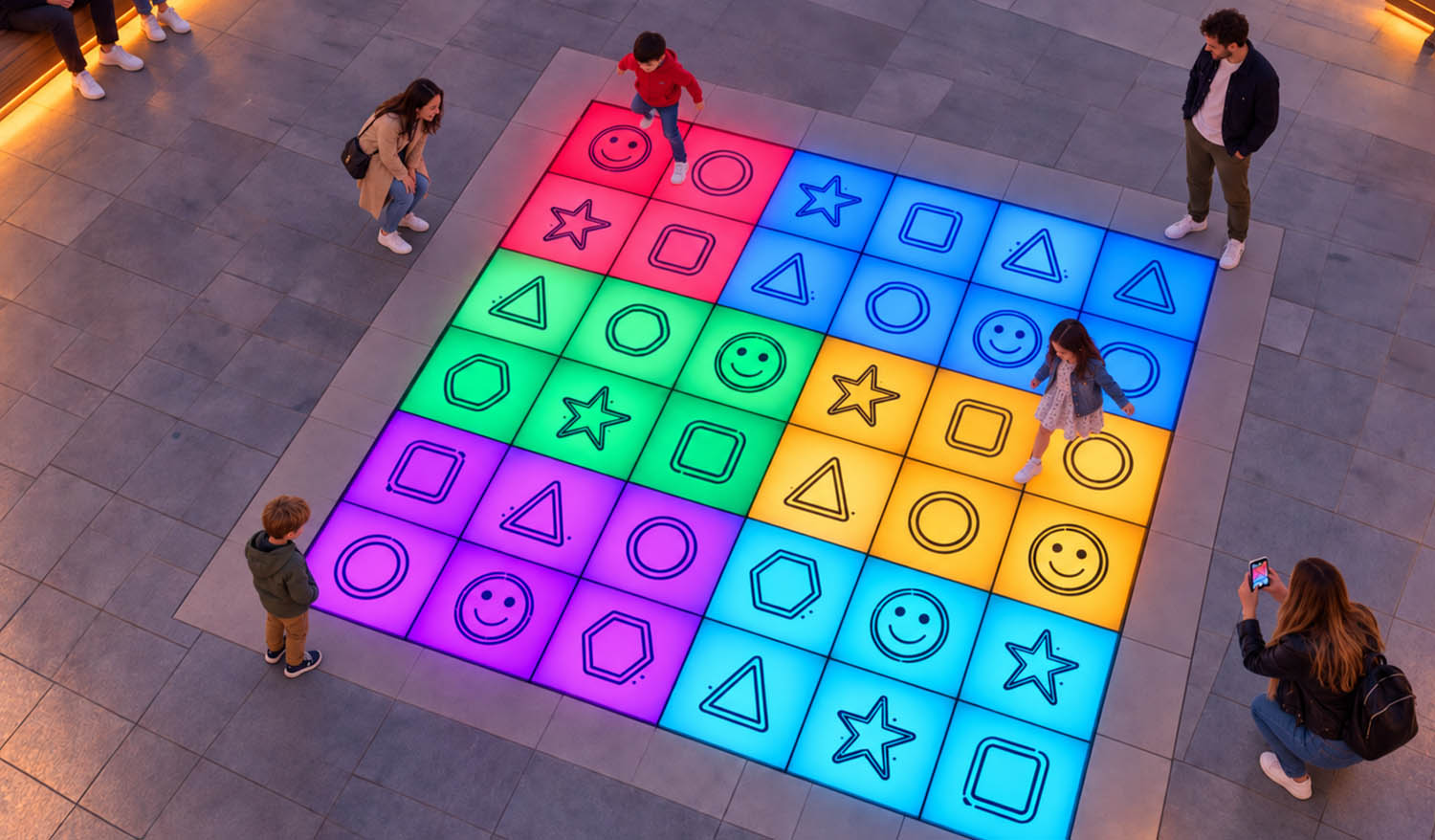
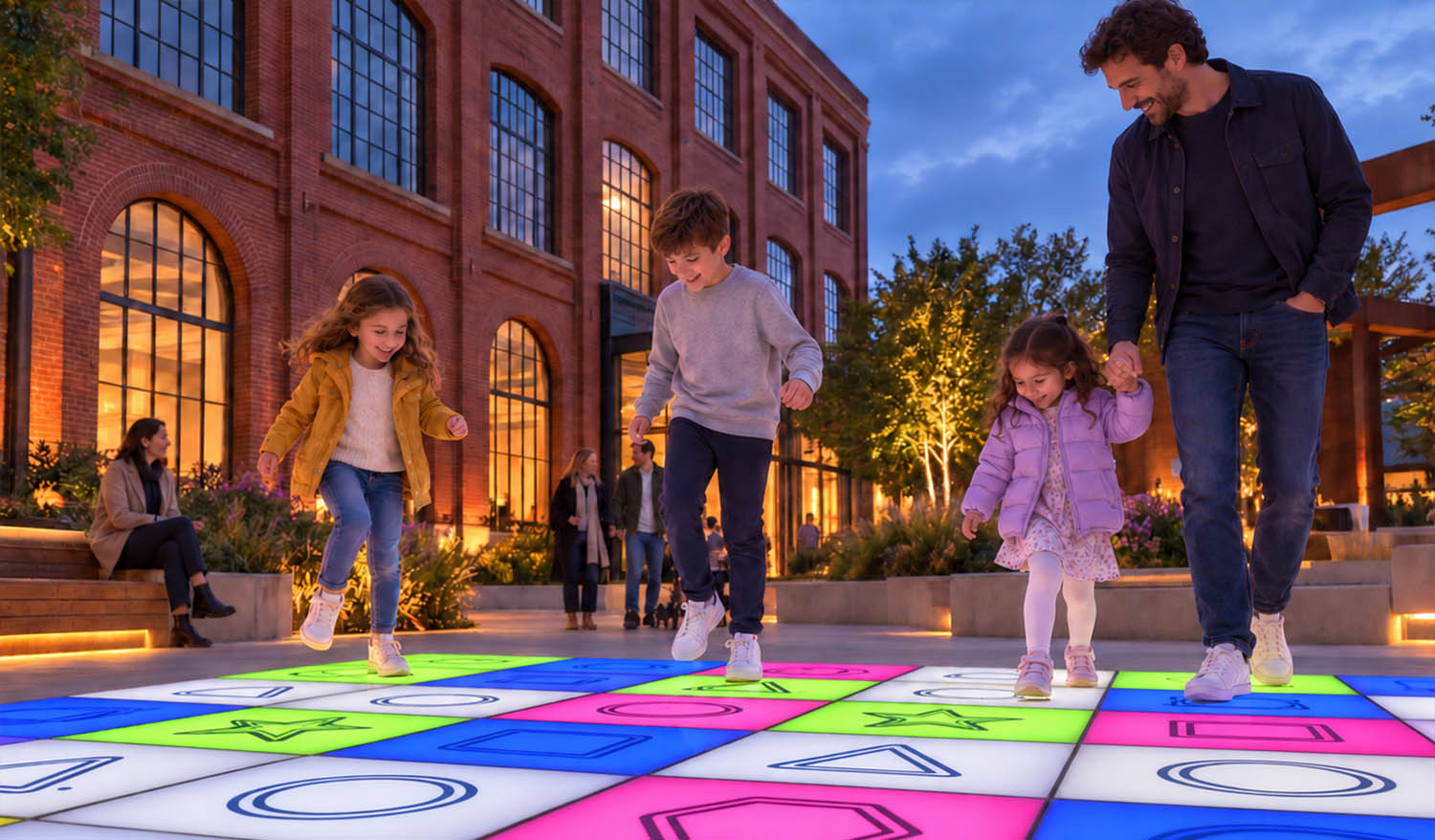
"Kaleidoscope of Emotions" transforms footsteps into an ever-changing mosaic of colors and sounds. Square interactive buttons featuring geometric shapes and emojis invite children and adults to explore light combinations and complete voice-activated tasks. Participants find the right symbols, choose combinations of shapes and colors, and change the appearance of the game board through their actions.
INTERACTION SCENARIOS
Free-form kaleidoscope. Participants press the buttons in any order to trigger light and sound effects. Depending on the scenario, the lighting changes for individual cells, adjacent elements, or the entire field.
Find the shape. The platform uses voice prompts to ask participants to find a symbol or a combination of shape and color—for example, a star or a blue circle. Participants locate the correct image and press the button.
Repeat the sequence. The buttons light up in a specific order. Participants memorize the sequence and reproduce it step by step by activating the corresponding cells.
Color Team. Participants form teams and compete by activating the squares of their color within a set time limit. Players find the necessary items and coordinate their actions to achieve a team result.
LOCATIONS
City squares, parks, residential complexes, shopping and cultural centers, educational facilities, and family entertainment venues.
DIMENSIONS
The overall dimensions of the site are 3.6 × 3.6 m.
Interactive square buttons — 36 (600 × 600 mm).
KEY ELEMENTS
Floor-mounted interactive light-up buttons featuring images of geometric shapes and emojis, a sound system with audio and voice prompts, an information sign with the rules of the game, and a control system for lighting, sound, and game scenarios. The buttons are installed flush with the pavement.
The images on the buttons remain the same, while the backlighting changes according to the program. The lighting effects are not synchronized with the music. Game modes switch automatically. When no game is active, the backlighting remains subdued and background music continues to play.
The size of the playing field, the number of buttons, and the images on them can be customized to fit the space and the customer’s preferences. Instead of the symbols shown, you can use letters, numbers, themed illustrations, or brand logos.